

Private Contact ControlCloud Contacts
Fix contact chaos across iCloud, Google, Outlook, and private address books. Find duplicates, repair missing details, see which source owns each contact, and sync with confidence across iPhone, iPad, and Mac.
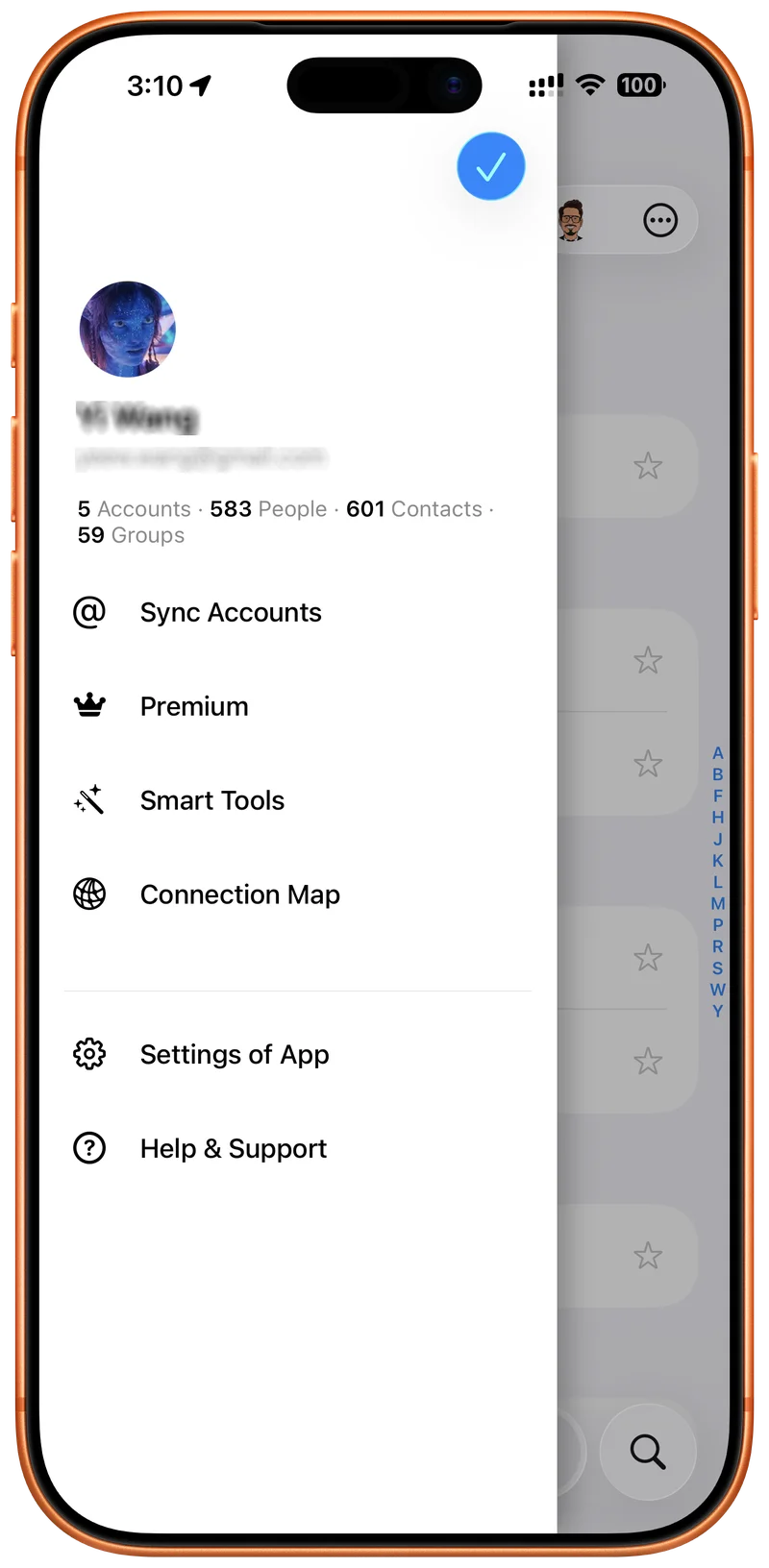
Fix the mess.
Trust the sync.
Cloud Contacts turns scattered address books into a private control center for cleanup, source ownership, and safer sync.
Contact Health
Find duplicate people, missing names, empty phone numbers, stale records, and cleanup risks before they spread across accounts.
Source Trust
Understand whether a contact belongs to iCloud, Google, Outlook, Fastmail, Nextcloud, or another address book before you edit or move it.
Private Sync
Your normal contact sync stays between your device and your provider. No middleman servers for sync. No contact harvesting.
See the Workflow
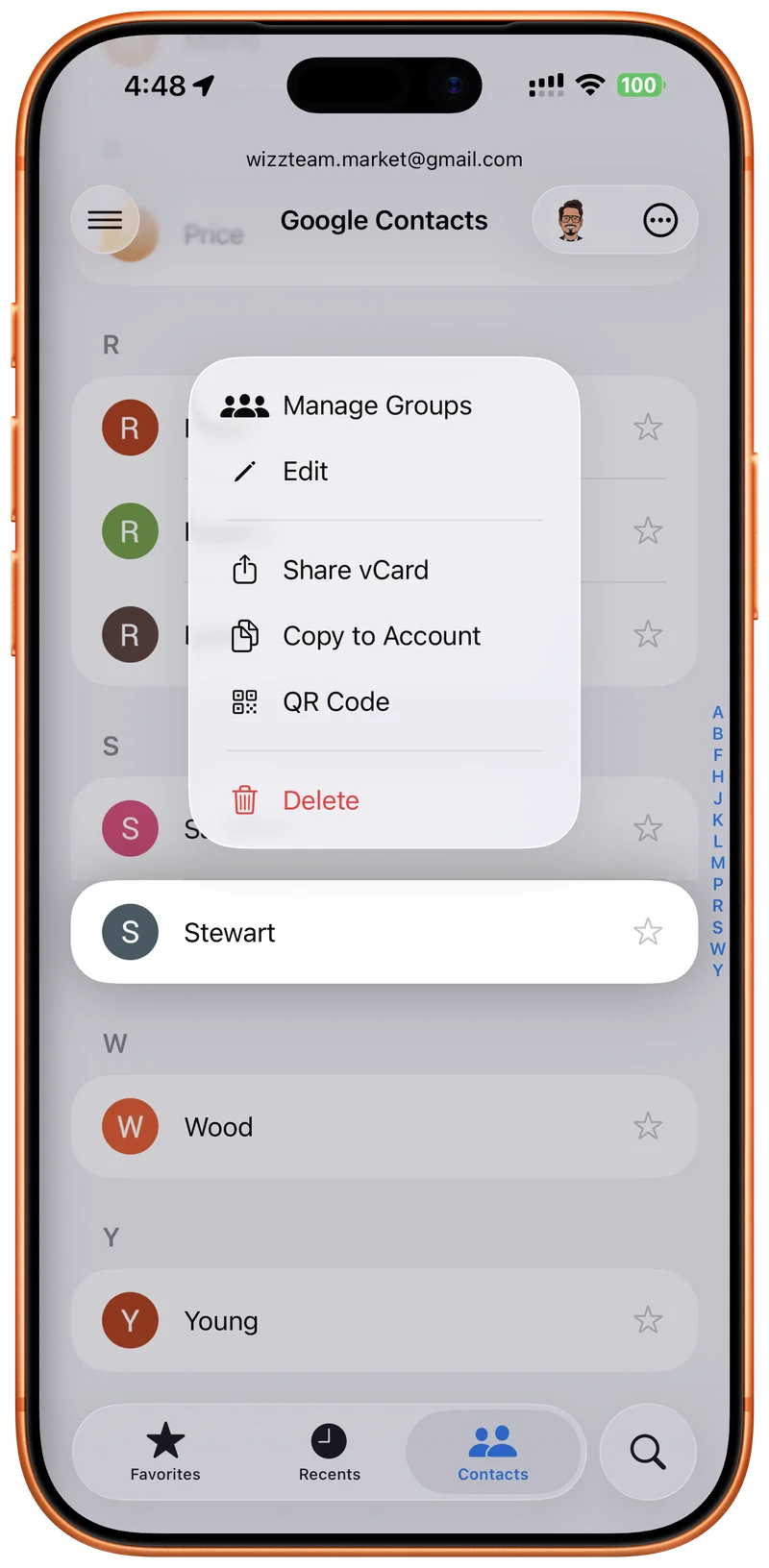
Unified Contacts. One View.
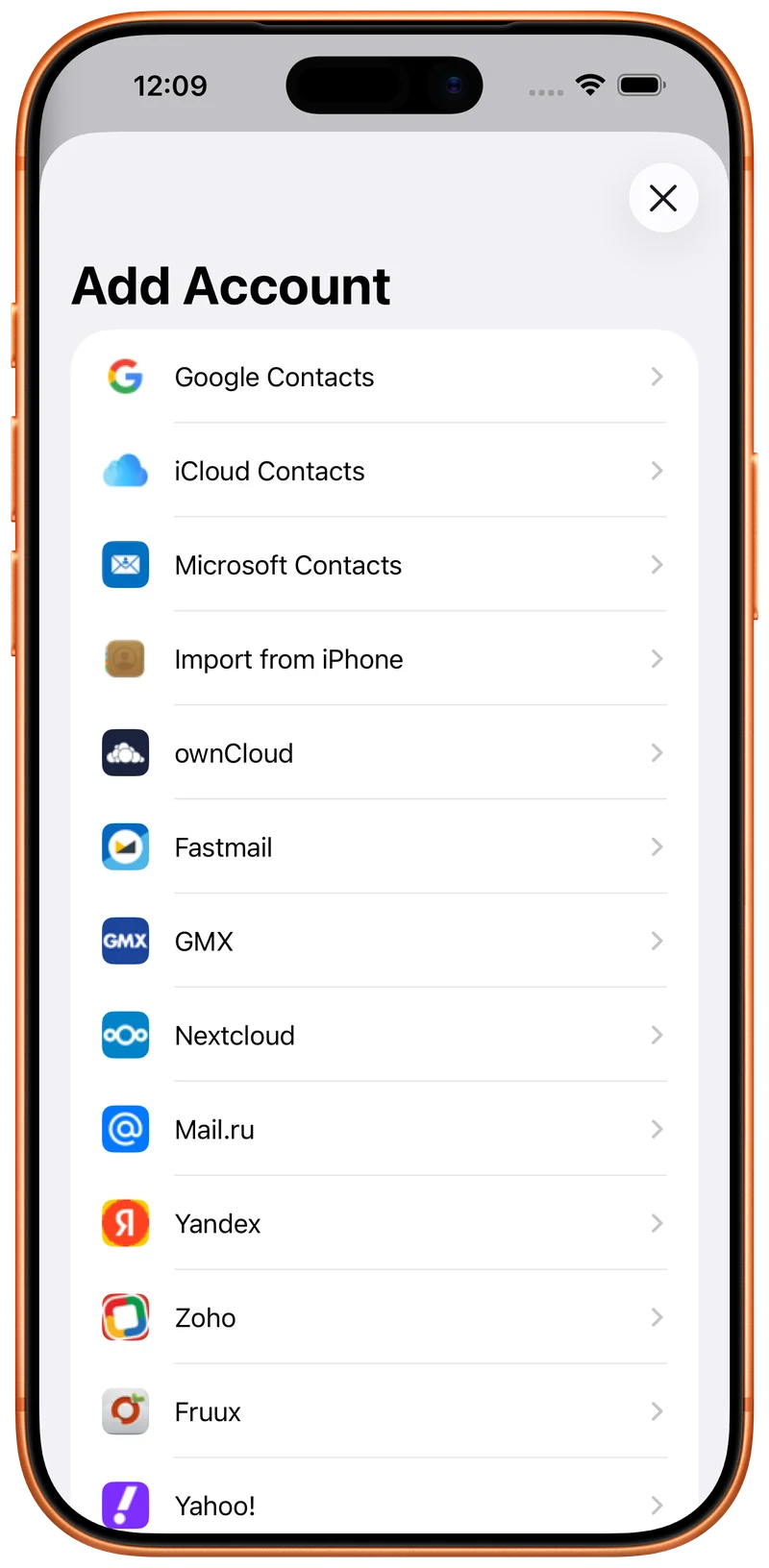
Sync Across All Your Accounts.
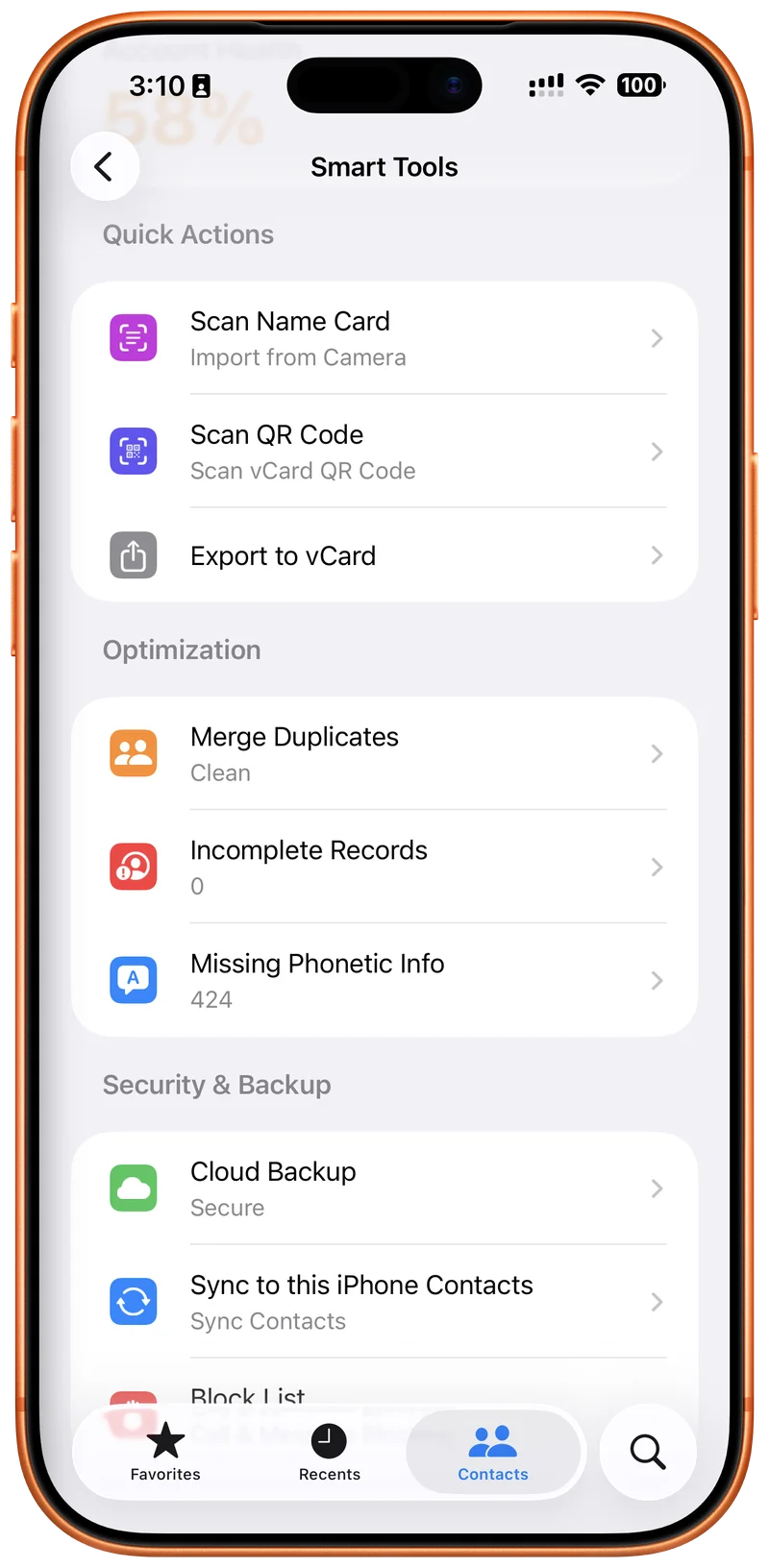
Complete Contact Toolkit.
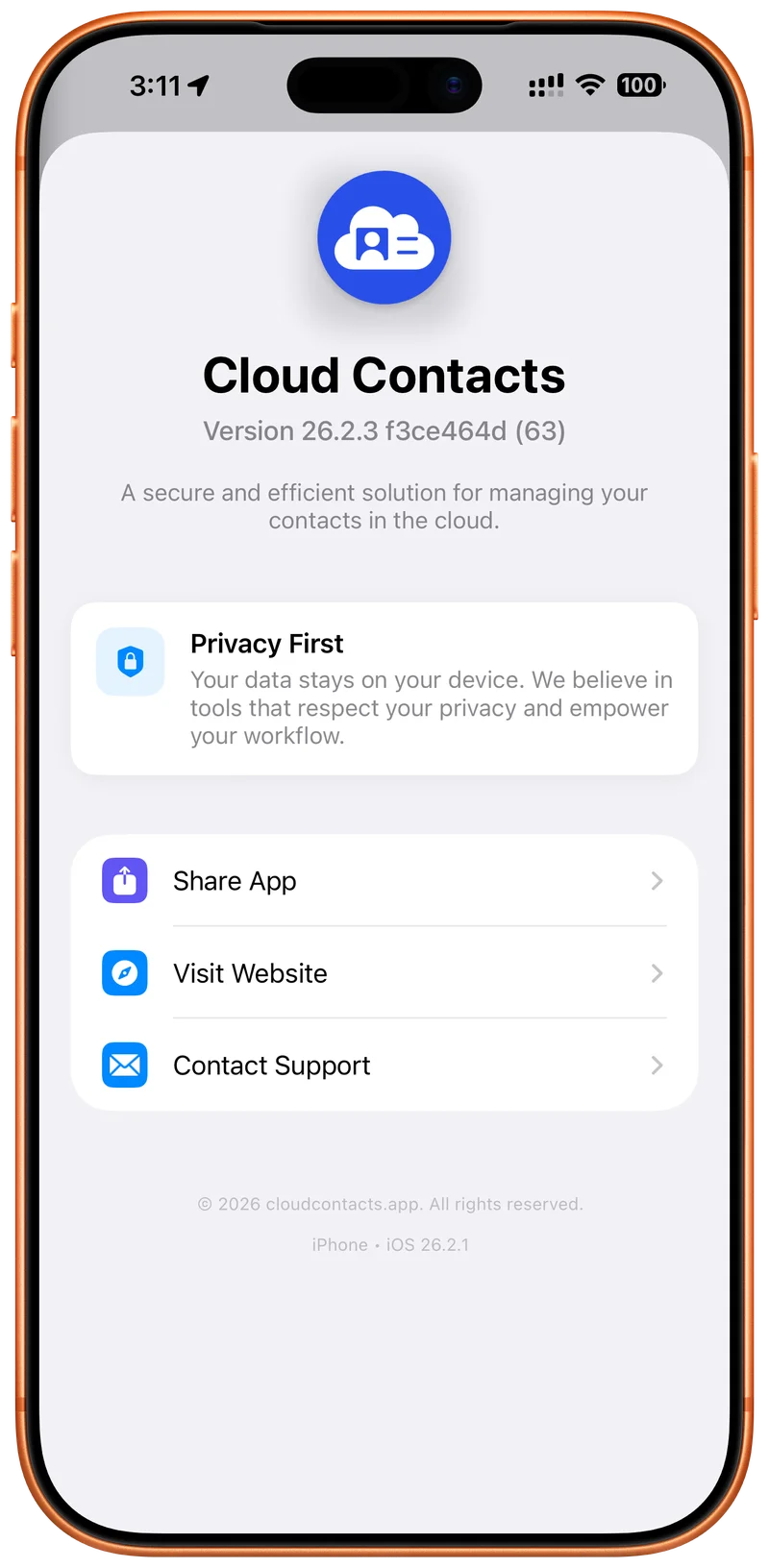
Your Privacy. Your Control.
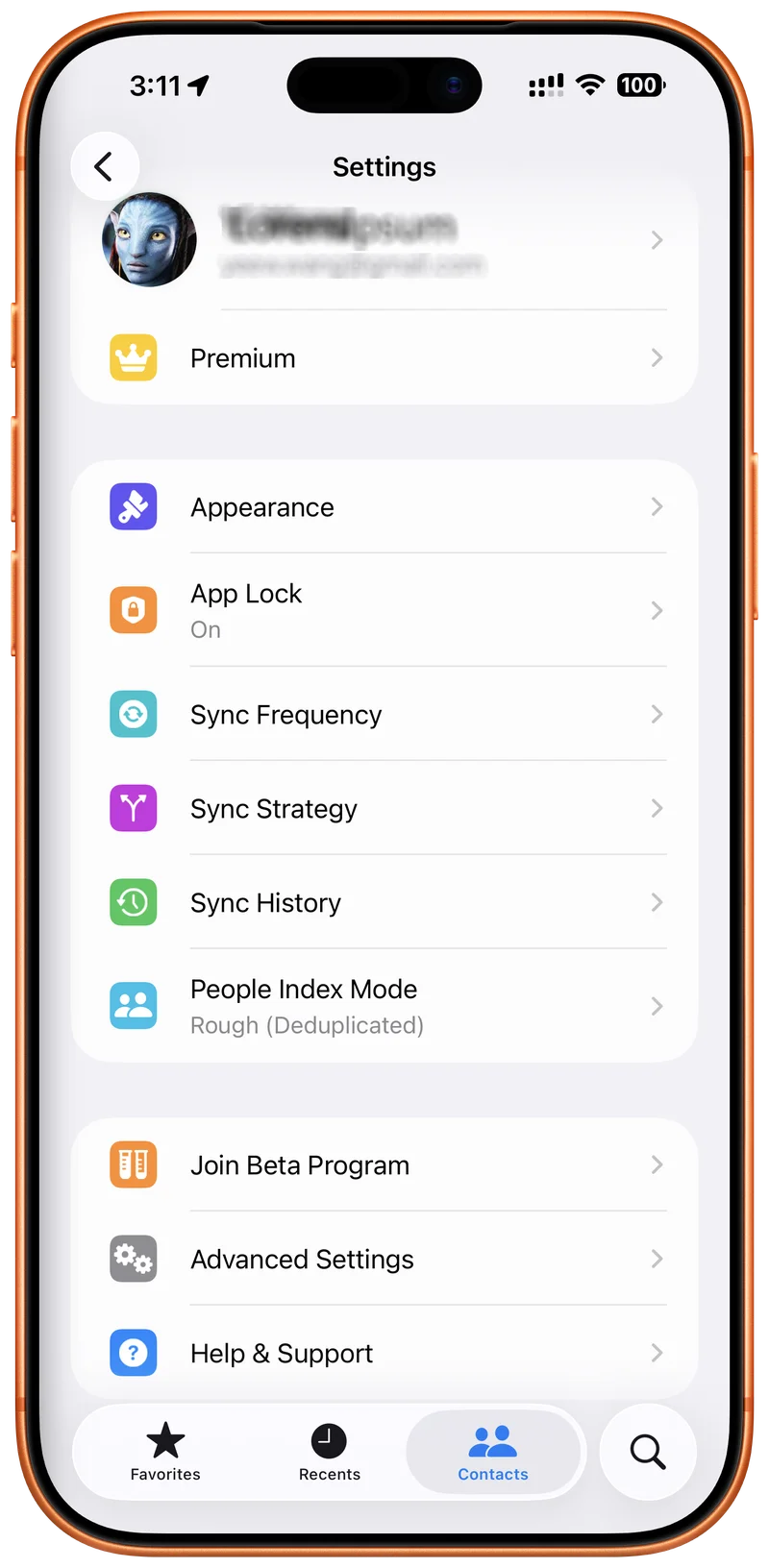
Customize Your Experience.
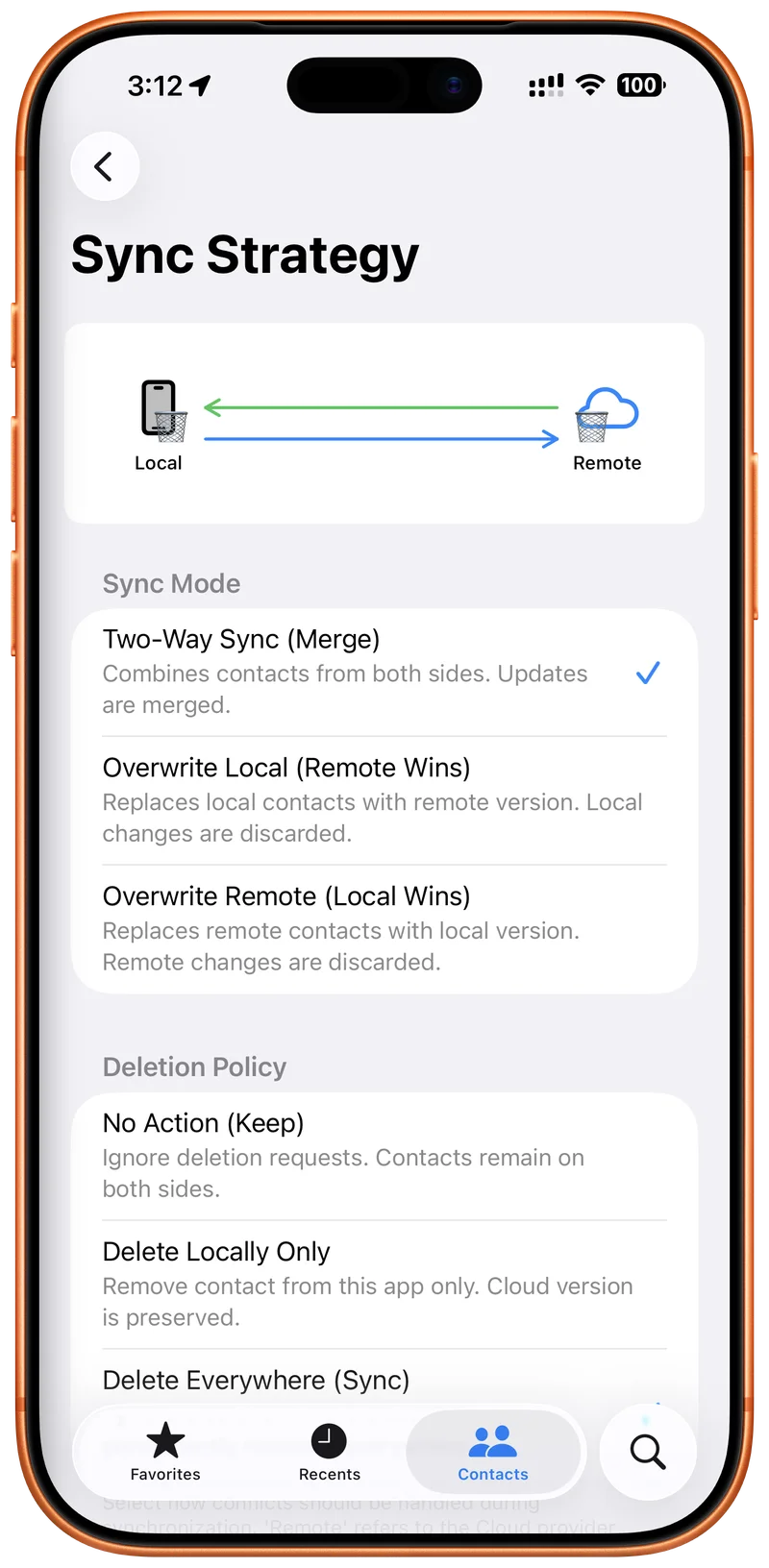
Master Your Sync Strategy.
Your Personal Command Center.
Visualize Your Network.
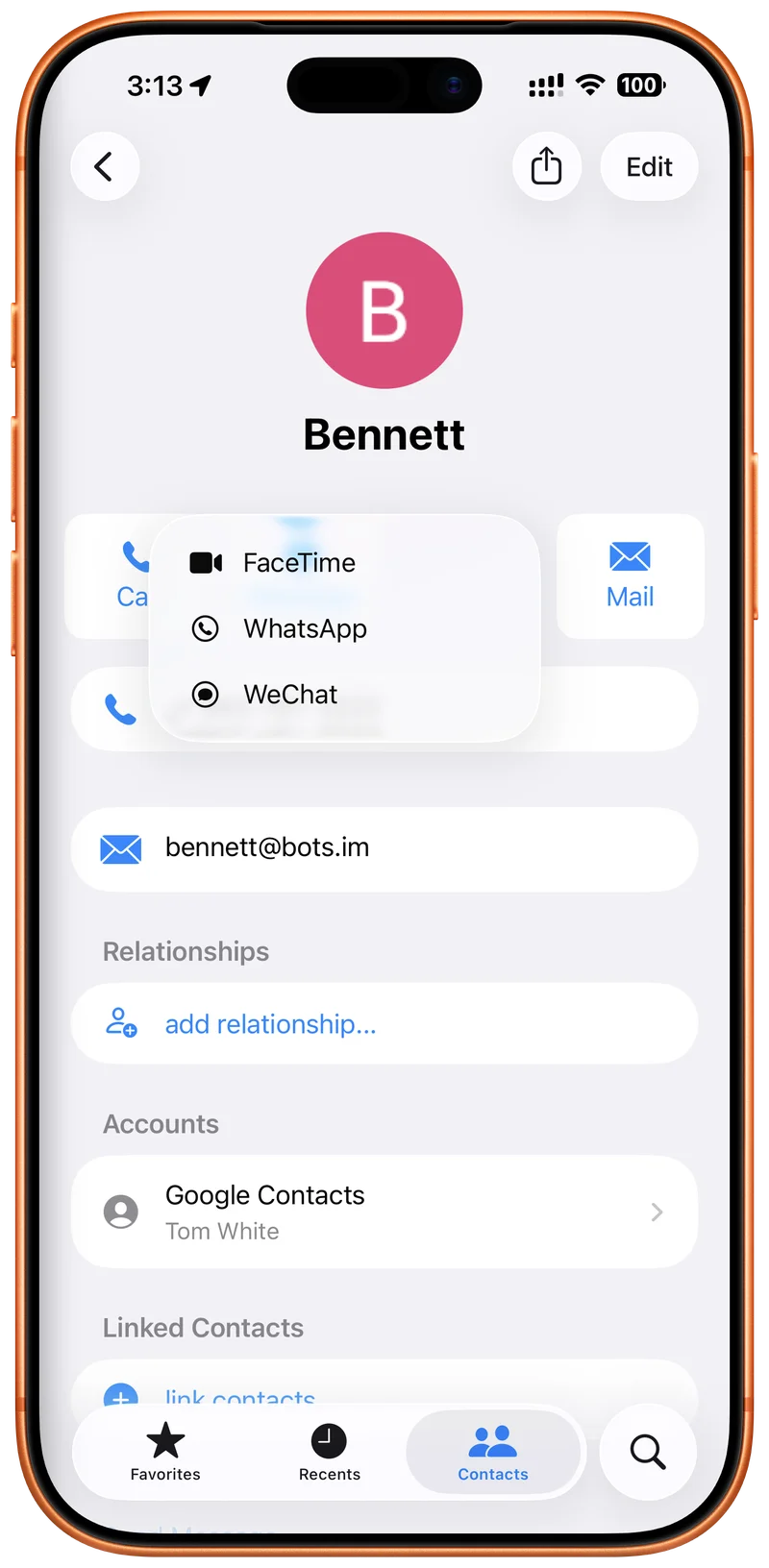
Rich Contact Details.
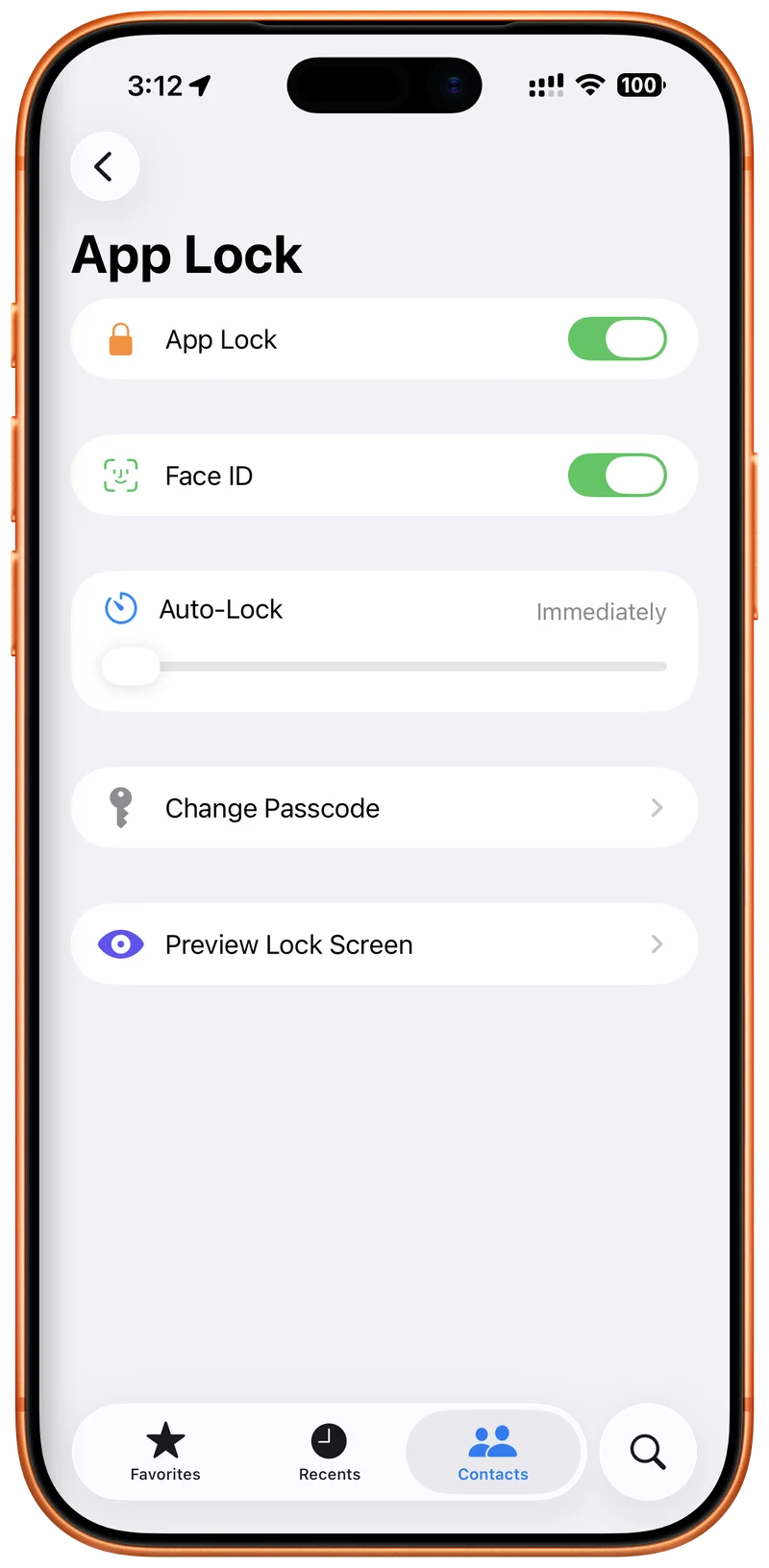
Secure App Lock.
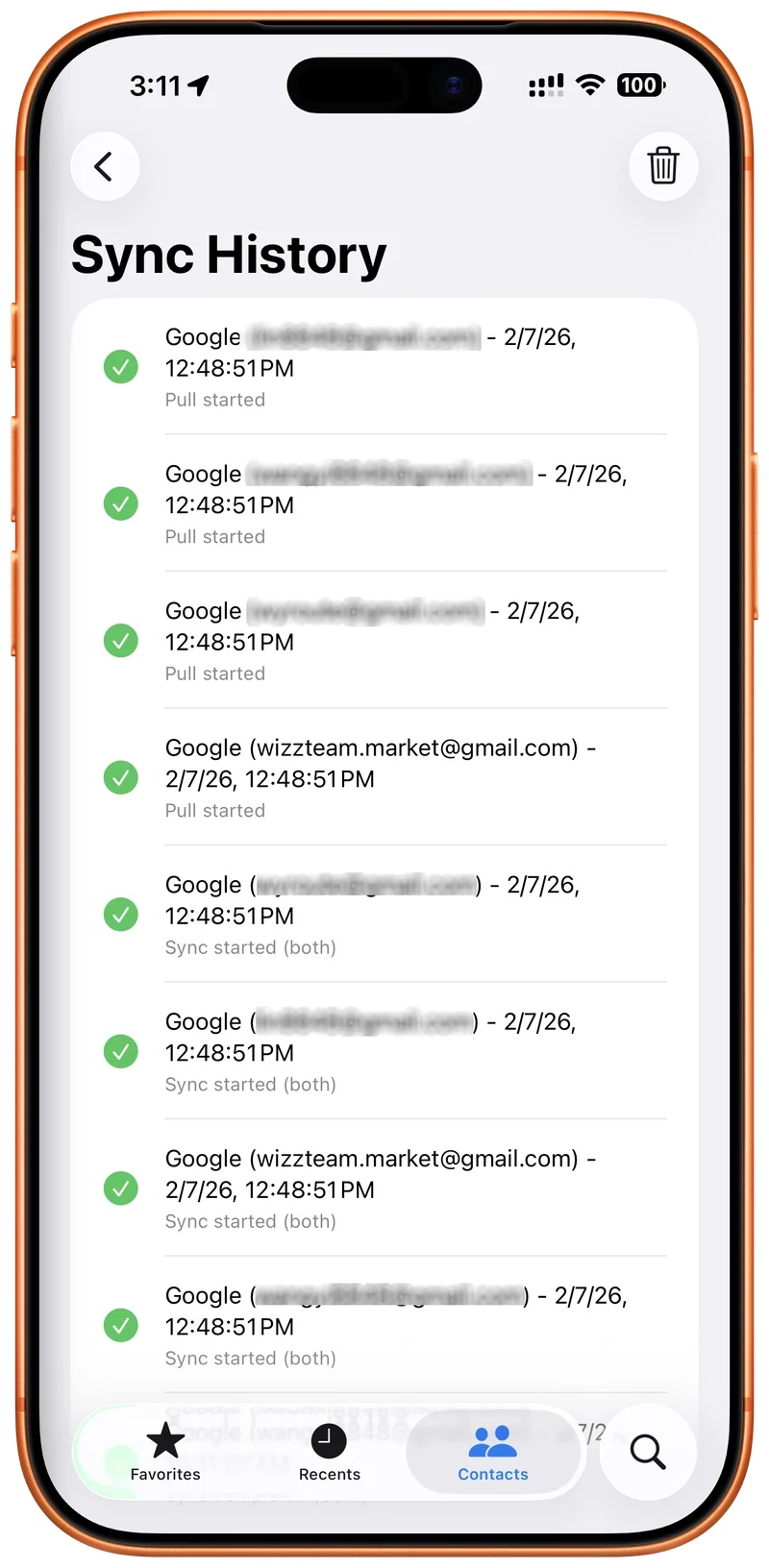
Track Your Changes.
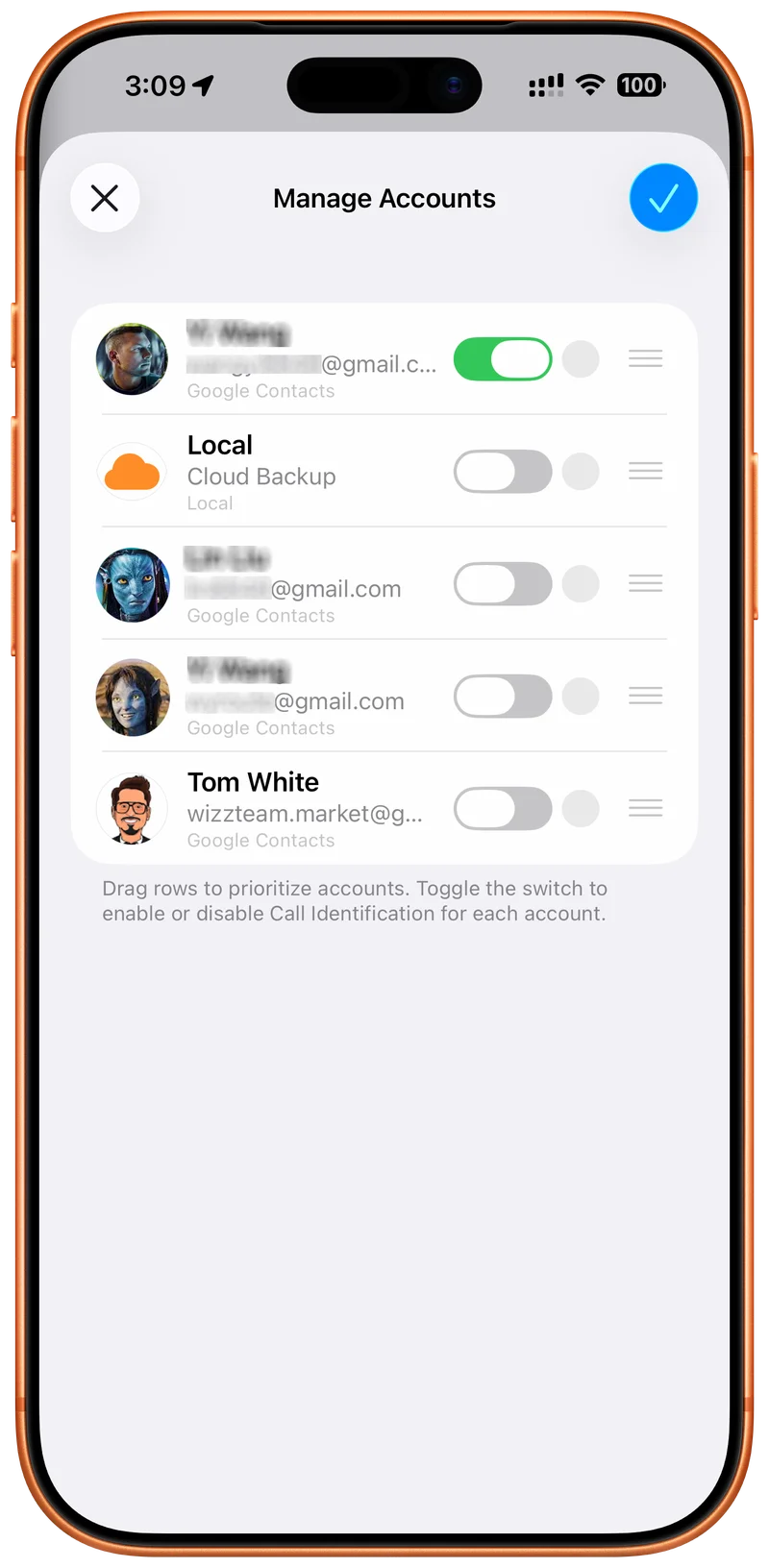
Manage All Your Accounts.
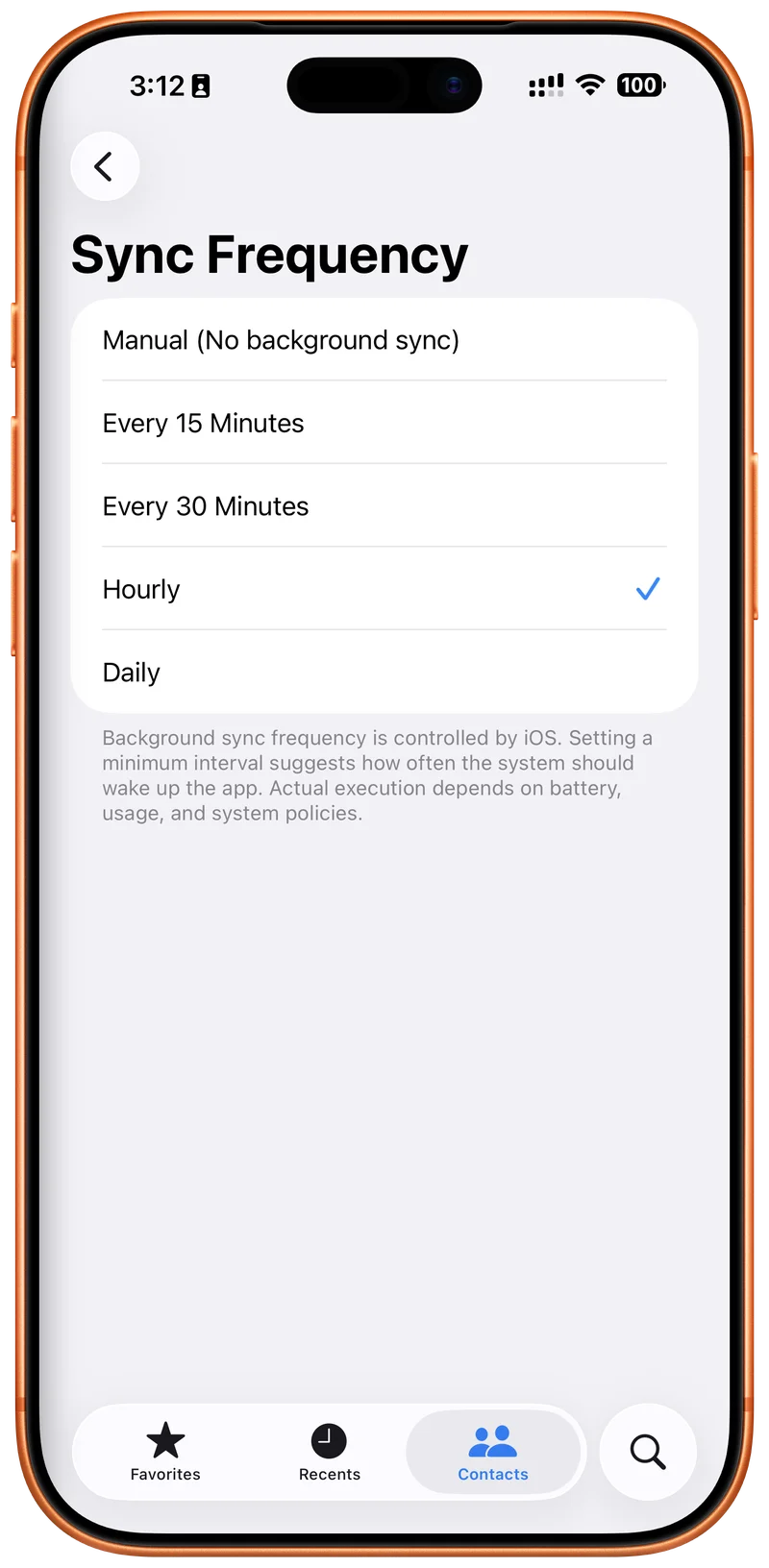
Control Sync Frequency.
Unified Contacts. One View.
Sync Across All Your Accounts.
Complete Contact Toolkit.
Your Privacy. Your Control.
Customize Your Experience.
Master Your Sync Strategy.
Your Personal Command Center.
Visualize Your Network.
Rich Contact Details.
Secure App Lock.
Track Your Changes.
Manage All Your Accounts.
Control Sync Frequency.
Designed for Contact Control
Clear Decisions
Move through cleanup, source review, backup, and sync actions in a UI built to make large contact libraries understandable.
Know Where Every Contact Lives.
Bring together iCloud, Google, Outlook, Fastmail, Nextcloud, Yahoo, GMX, and custom CardDAV servers. Cloud Contacts helps you see which source owns each record before you clean, move, or sync it.
- Sync across iCloud, Google, Outlook, and CardDAV
- Guest Mode for local cleanup
- Popular providers preconfigured
Clean Up Before Sync Spreads the Mess.
Use focused checks to find duplicates, repair missing fields, review birthdays, and organize large contact sets before risky changes reach every account.
Important Dates
Review birthdays and anniversaries, then sync the ones that matter into your iOS Calendar.
Missing Details
Instantly isolate contacts missing names, emails, or phones so cleanup starts with the riskiest records.

Siri Search
Ask Siri to create contacts or find records that need cleanup, including filtered searches.
Duplicate Repair
Detect and merge duplicate people across accounts while preserving names, phones, emails, and notes.
People That Matter
Relationship context after your contacts are clean.
Keep Important People Close.
Once your address book is clean and trustworthy, Cloud Contacts helps you remember the people who matter with favorites, context, birthdays, and relationship links.
- Relationship context
- Family, work, and priority roles
- Reminders and important dates
Move to iPhone Without Contact Chaos.
Switching from Android to iPhone? Bring Google Contacts over, review duplicates and missing details, then decide what should live in your iPhone address book.
Connect Your Google Account
Securely link your Google Contacts account (the default for most Android phones) to Cloud Contacts on your iPhone.
Review Before You Merge
Check for duplicates and missing details before adding everything to your iPhone's native address book.
Choose What Lands on iOS
Keep Google as the source of truth, copy selected contacts locally, or update Apple Contacts when you are ready.
Make Apple Contacts More Trustworthy.
Cloud Contacts helps your iPhone use cleaner, better-understood contact data for calls, messages, and native address book actions.
Instant Caller ID
Know who's calling, even if they aren't saved in your iPhone contacts. Cloud Contacts can identify callers directly from your synced cloud accounts.
Merge with iPhone Contacts
Clean up your address book by intelligently merging Cloud Contacts with your existing local iPhone contacts. No more duplicates, just one unified list.
Fix the Record, Not Just the List.
After you know which source owns a contact, edit names, phonetics, birthdays, notes, and sharing formats with less risk of overwriting the wrong address book.
Advanced Editing
Add name prefixes, suffixes, and phonetic names for perfect pronunciation.
vCard 3.0 Support
Universal compatibility for sharing and exporting your professionally curated contacts.
Calendar Integration
Convert birthdays and anniversaries into system calendar events with one tap.
Local Isolation
Keep sensitive contacts purely on your device, separate from any cloud sync.
 New in iOS 26
"Hey Siri, create a contact."
Experience the next generation of voice control. With App Intents, Cloud Contacts integrates deeply with Siri Intelligence for a truly hands-free experience.
Create Instantly
Just ask Siri to add a new contact to any of your synced accounts without opening the app.
Smart Search
"Find contacts with no email." Siri understands cleanup-focused searches across your address books.
Shortcuts App
Trigger sync, cleanup, or backup actions automatically using the Shortcuts app.
More Ways to Stay in Control
Group Management
Create, delete, and organize cloud contact groups when your source supports write-back.
Easy Sharing
Share clean contact records by QR code, vCard, or text when you need a quick handoff.
One-Tap Backup
Create snapshots before major cleanup or sync changes so you can roll back if needed.
Dark Mode
A quieter theme for reviewing large contact lists without extra visual noise.
Choose Your Level of Control
Start with basic cleanup, unlock every contact source, or upgrade to Cloud Sync when you need two-way write-back and group control.
Free User
Basic access for checking and cleaning one source.
- 1 Cloud Account
- Cloud Sync (Read-Only)
- Ad-Supported Experience
- Smart Tools (Ad-Supported)
- No Write-Back Support
Unlimited Accounts
One purchase to bring every contact source into view.
- Unlimited Cloud Accounts
- Ad-Free Experience
- Full Access to Smart Tools
- Unlimited System Sync
- 10 Cloud Backup Snapshots
Add unlimited contact sources
Cloud Sync
Subscriptions for two-way sync, group control, and source confidence.
- Everything in Unlimited Accounts
- Two-Way Sync (Push Changes)
- Cloud Group Management
- Create, Delete, Rename Groups & Edit Membership
- Priority Support
Cloud Sync plans
Frequently Asked Questions
Everything you need to know about Cloud Contacts.
Does Cloud Contacts store my data?
No. Your contacts are synced directly between your device and your provider (Google, iCloud, etc.). We do not have any servers that store or process your personal contact information. Your privacy is our top priority.
Which providers are supported?
We support Google Contacts, iCloud, Fastmail, GMX, AOL, Yahoo, and any custom CardDAV server (like Nextcloud or Synology). If it speaks CardDAV, we likely support it!
Can I merge duplicate contacts?
Yes. Duplicate Repair scans your accounts for matching names, emails, and phone numbers so you can review likely duplicates before merging records.
Is the app free?
Cloud Contacts includes a free tier for essential contact access and basic sync. Unlock Unlimited Accounts for more contact sources, or choose Cloud Sync when you need two-way write-back, group management, and ongoing source control.
Which plan do I need for Nextcloud groups and mailing lists?
For setups that combine Apple Contacts with Nextcloud/CardDAV and need groups or distribution lists, choose Cloud Sync. That is the tier for two-way sync and group management. If you only need more connected sources without group write-back, Unlimited Accounts is the lighter option.
Loved by 10+ Years of Users
"Finally, an app that lets me sync my Fastmail contacts without a headache. The 'Guest Mode' is a brilliant touch for quick checks."
"The privacy focus is real. I checked the traffic, and it really goes straight to my provider. Trustworthy and solid."
"I use the Birthday Calendar feature every week. It saved me from forgetting my anniversary! Worth every penny."